Turn a folder of audiobooks into a focused listening library on your phone, tablet,
or foldable. Keep your books on your devices, pick up exactly where you stopped, and
take selected chapters to your wrist.
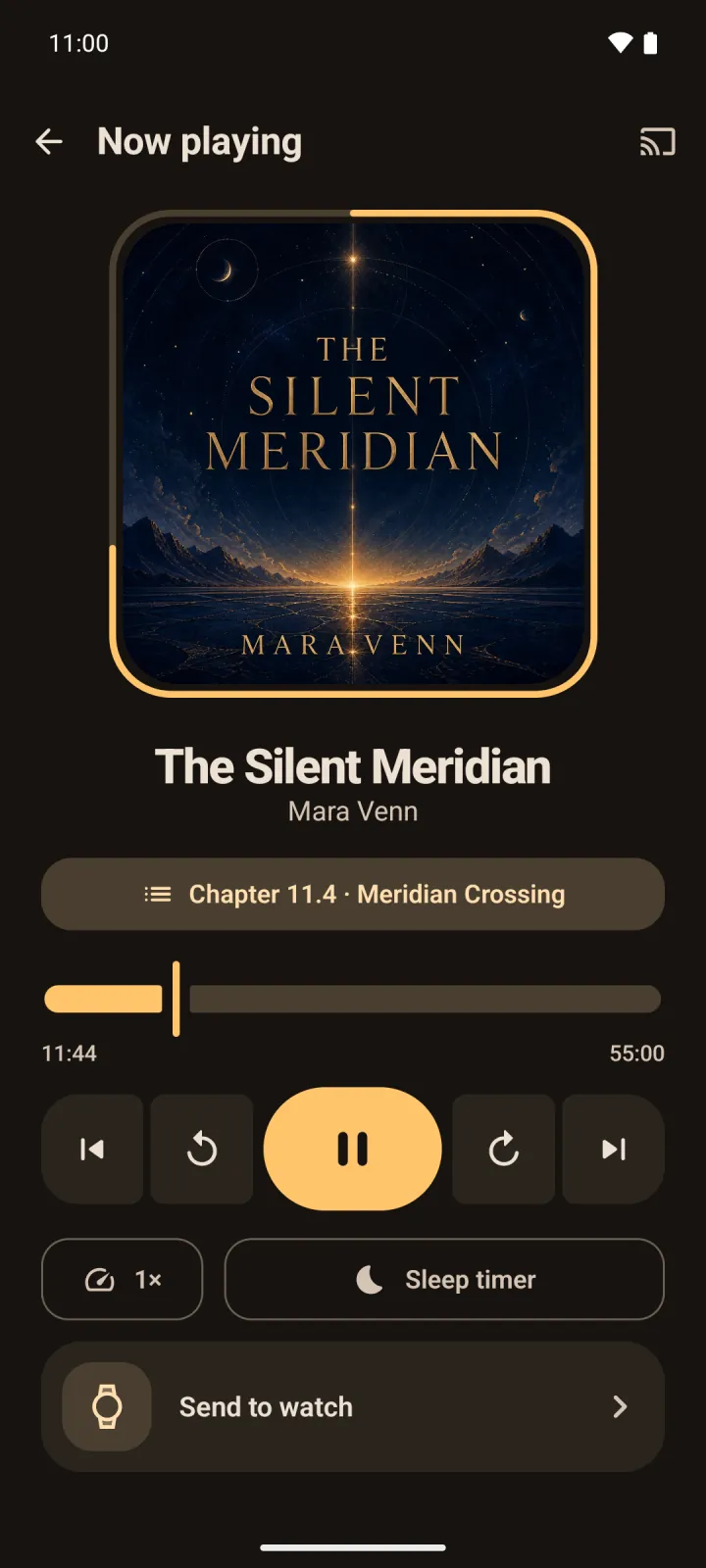
Sliver treats an audiobook like an audiobook—not a long song. Chapters, progress,
speed, silence skipping, and sleep timers are all built into the listening flow.
01 · Your library
Point to a folder. Sliver does the rest.
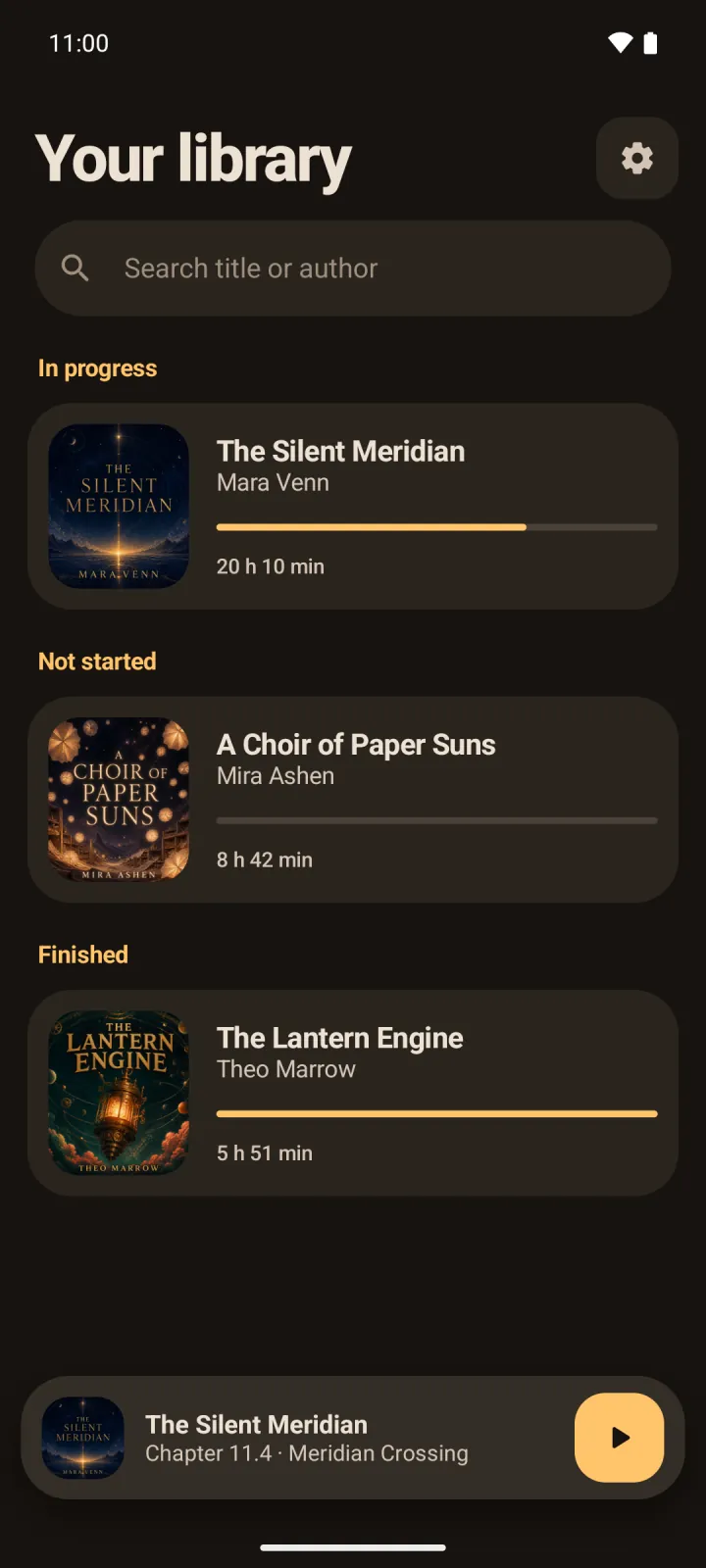
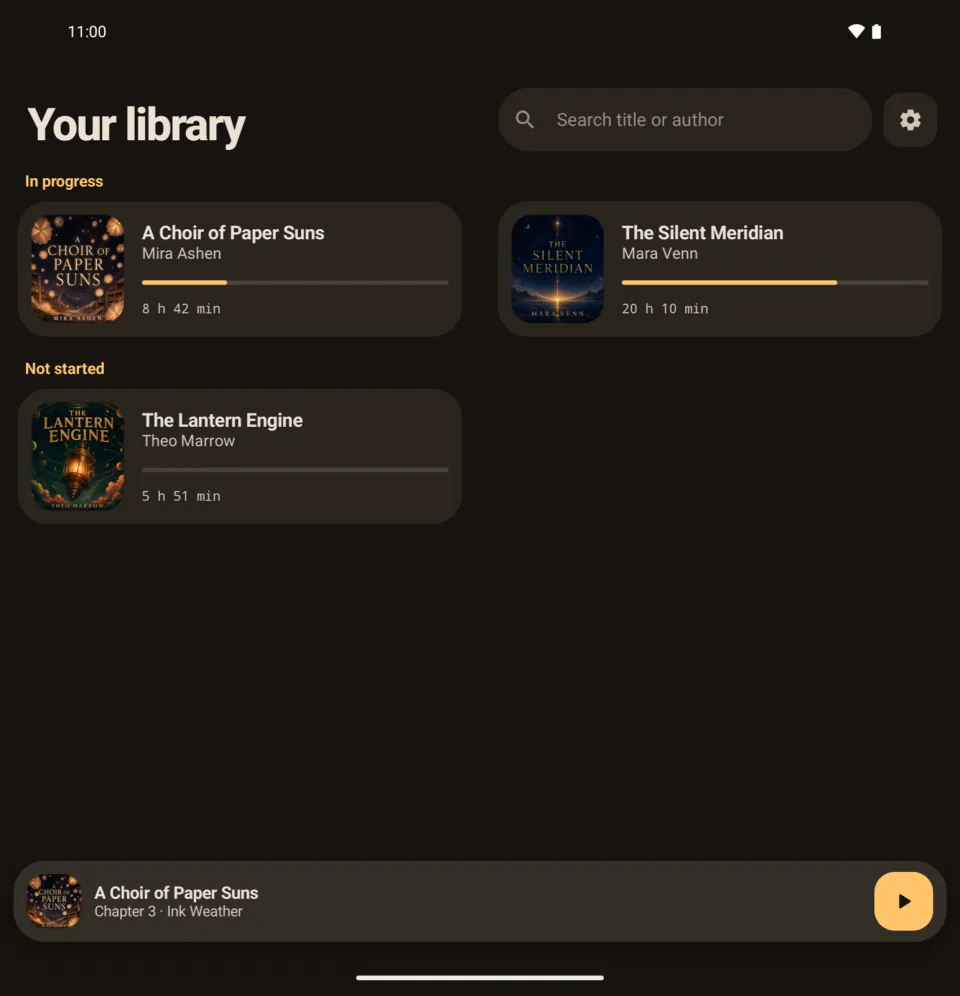
Titles, authors, artwork, duration, and chapters are read directly from your M4B files or folders of MP3 parts. Search by title or author, and each section lists the books you played or added most recently first.
02 · Fine-tuned
Listen your way.
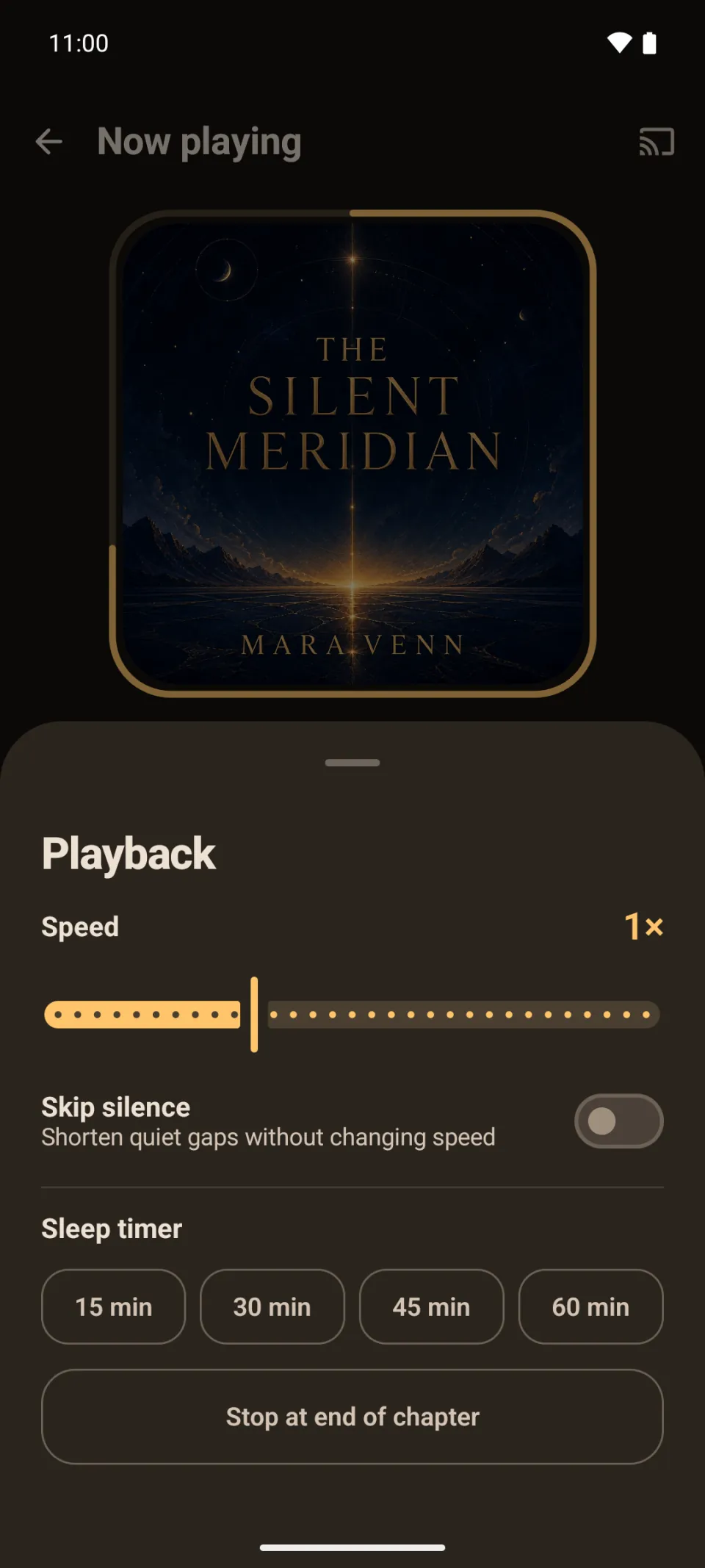
Set per-book speed, skip silence, choose your jump intervals, and drift off with a gentle sleep-timer fade. Pick a light or dark theme, or follow the system.
03 · Tablets and foldables
More room for the story.
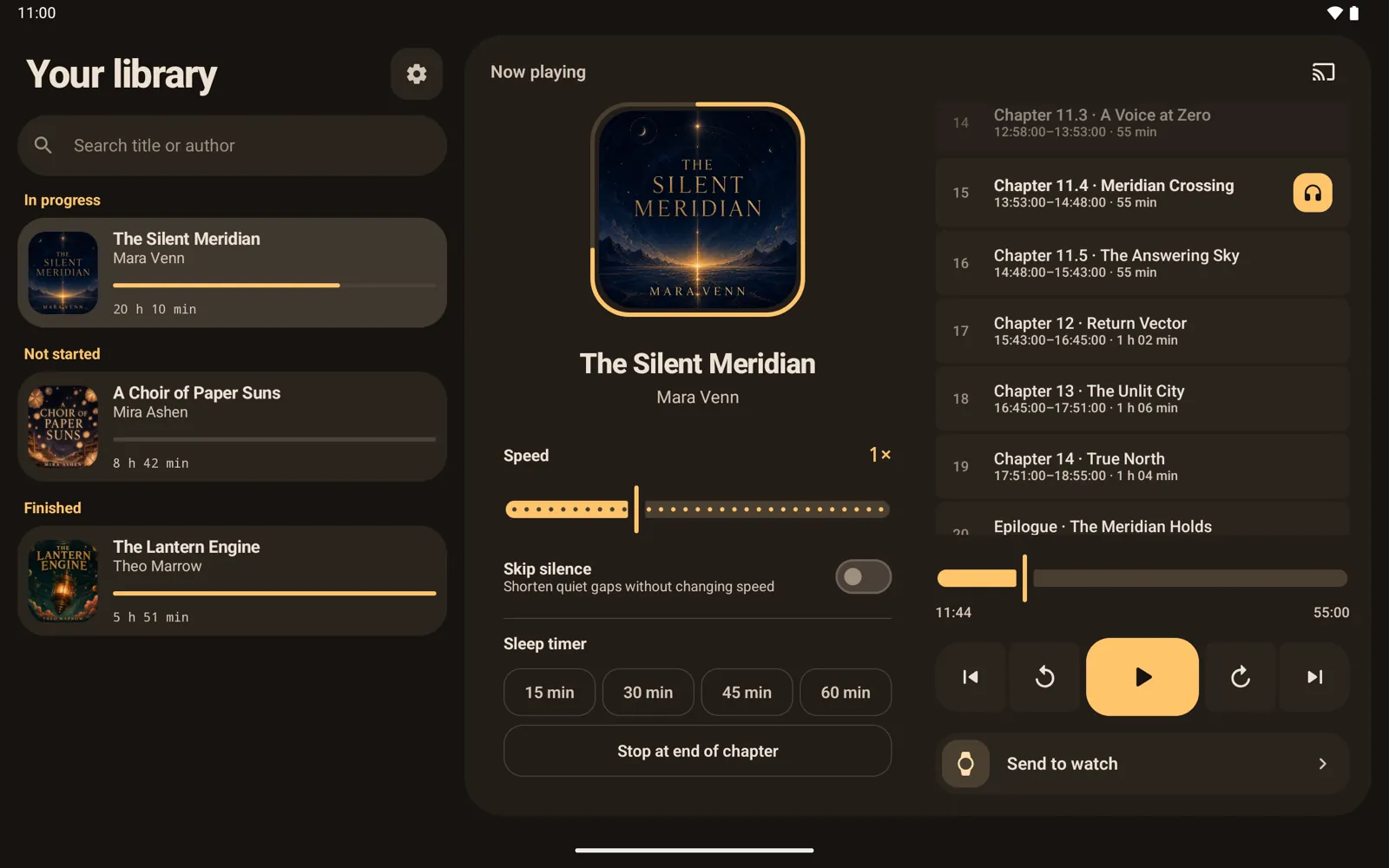
On a tablet, your library sits beside Now Playing. On an unfolded foldable, the library spreads into two columns that meet at the hinge. Now Playing shows its chapters and playback settings next to the controls, and Preferences and Send to watch open in two panes. Stand a foldable half open and the player splits across the fold.
04 · Google Cast
Send the chapter to the room.
Cast the current audiobook and position to a receiver while chapter navigation and playback controls stay on your phone.
A Choir of Paper Suns
Casting · Living room
A Choir of Paper SunsChapter 11.4
05 · On your wrist
Your next chapter is one tap away.
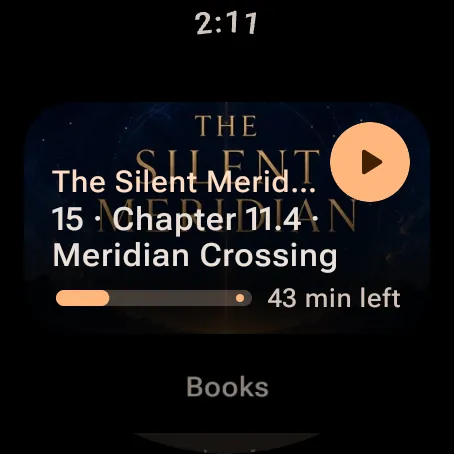
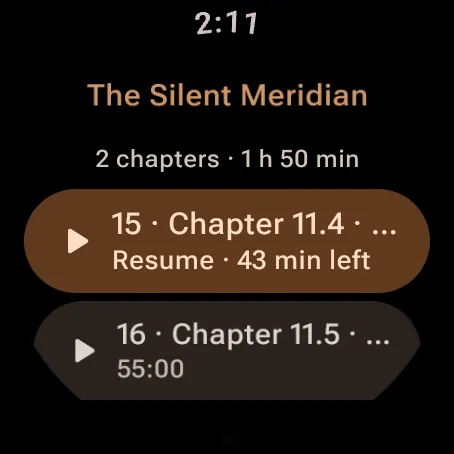
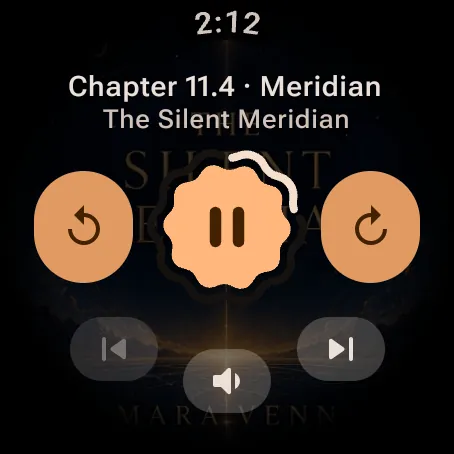
Send chapters to Wear OS and play them without your phone. A resume card starts the last chapter, and each book opens to its chapters. Chapters on the watch move to where you stopped on your phone. Swipe away a chapter or a book, with undo.
Designed to stay personal
Your listening history is not our business.
Sliver contains no advertising. Your library index, progress, listening status, and
settings remain on your devices.